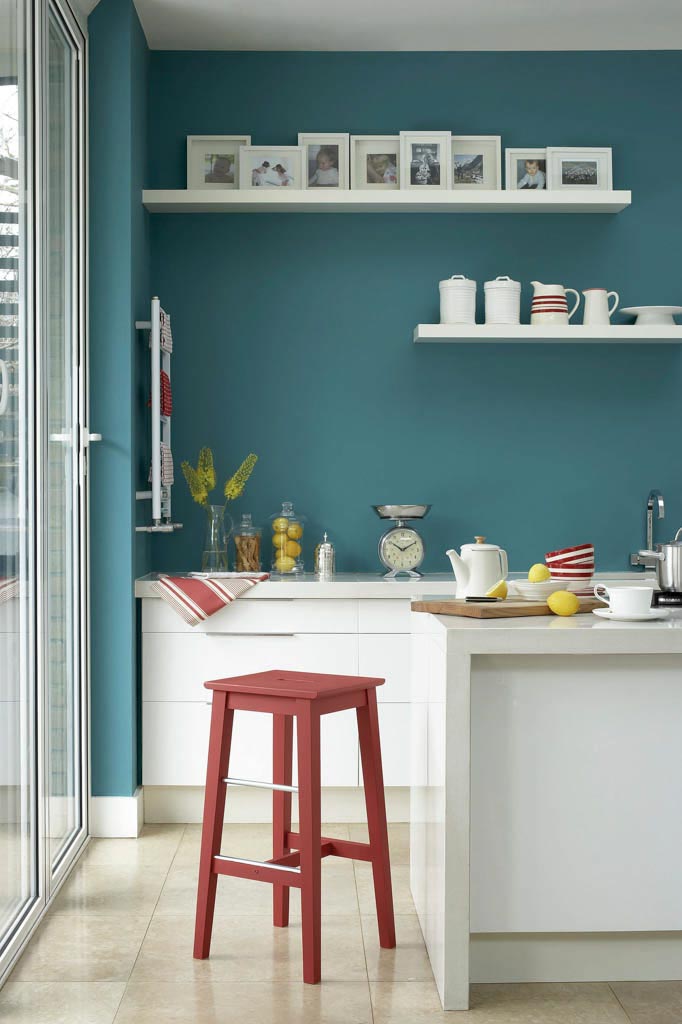
Product page
Colour swatches on your product page
Turn dropdown-heavy product pages into a clear, inspiring colour picker.
Welcome to
Colour Atelier!
For paint dealers
The web application and online ecosystem for paint webshops. Inspire visitors with room scenes, let them find colours effortlessly and test virtually, and keep your catalogue clear—for you and your customer.
The product
Let visitors search hundreds of colours across brands. Inspire with room scenes indoors and out, or let them try colours virtually. Guide them from browsing to order or store visit.
Features
Colour Atelier connects to your existing webshop. Keep management simple and turn your paint webshop into a colour experience for visitors.
Product page
Turn dropdown-heavy product pages into a clear, inspiring colour picker.
Colour finder
Your full colour range in one place. Visitors search, filter and sort by hue to find what fits.
Colour finder
Search by colour family—neutrals, blues, greens—or dial in a precise hue with a colour slider.
Favourites
Save and share favourite colours without an account or sign-up.
Inspiration
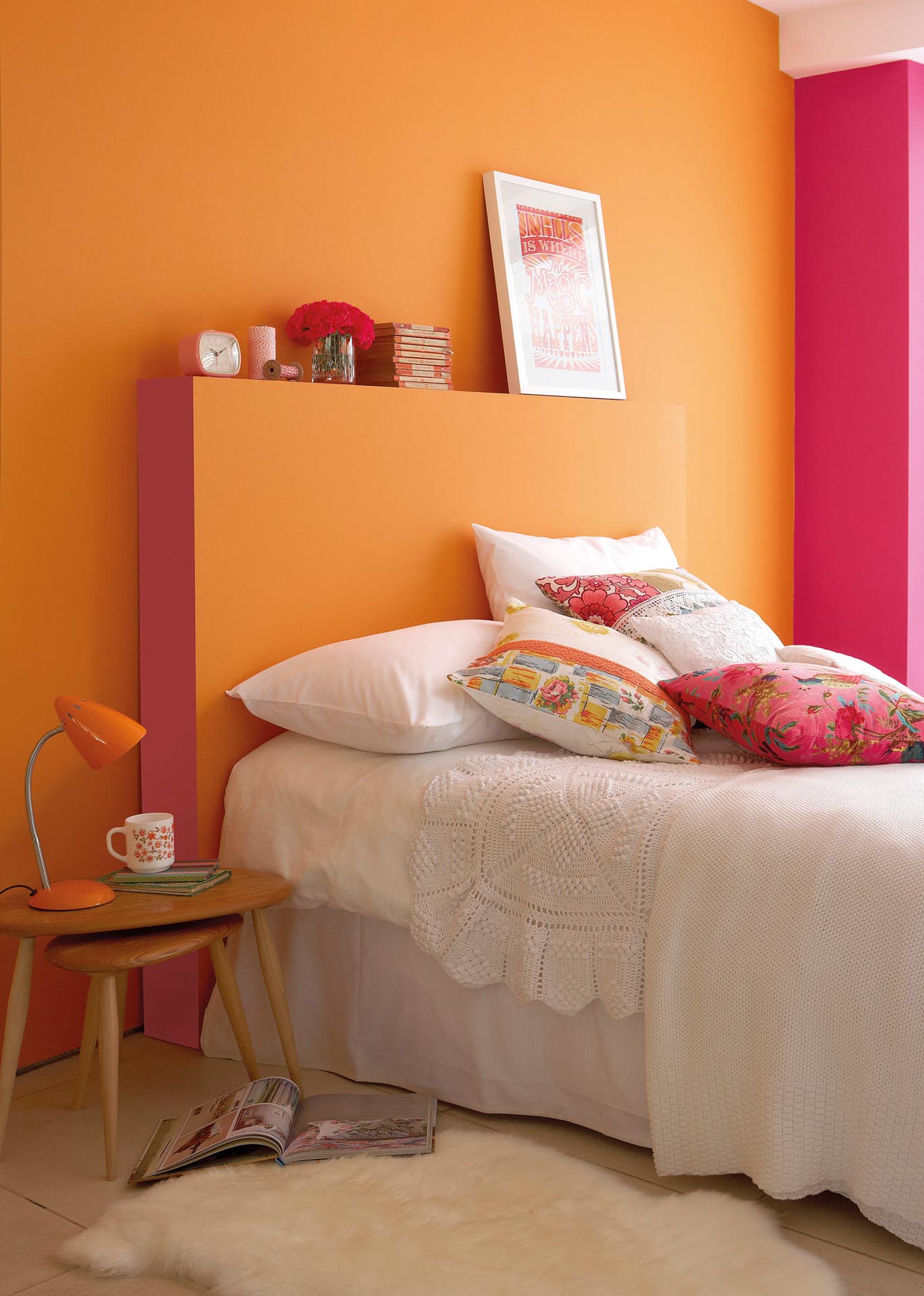
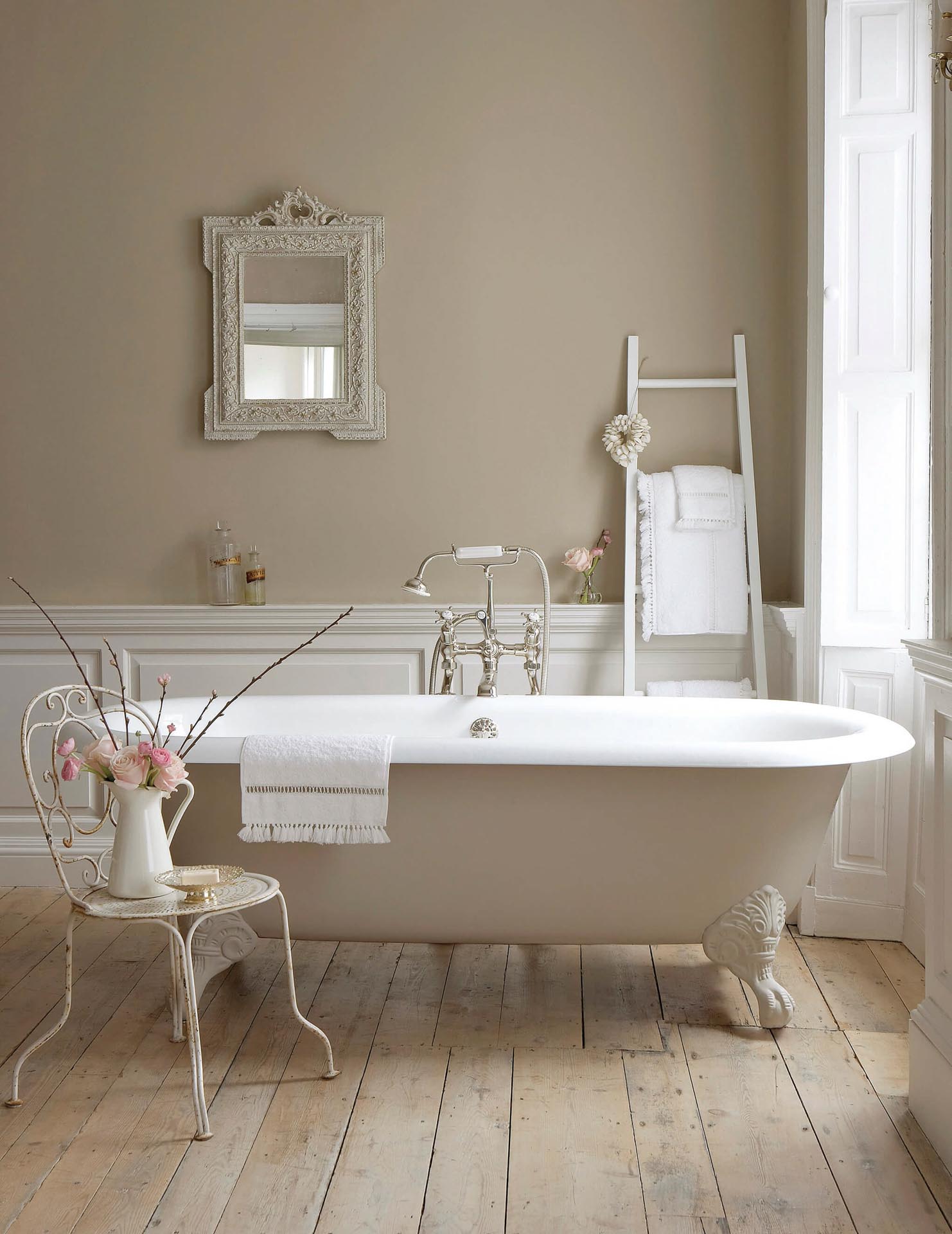
Inspire visitors with relevant room scenes for the chosen colour and show how it looks in different spaces and light.
Room scenes
When zooming a scene photo, related colours appear if multiple colours are visible in one image.
Choice guide
Choosing the right volume and finish: how many litres? Which finish? Colour Atelier includes a surface calculator and lets you show extra guidance per finish on product pages.
Average coverage for this product: about 14 m² per litre (2 coats).
Ultra-flat wall paint with a soft, chalky look. Ideal for living rooms and bedrooms.
A more durable matt finish. Suited to halls and busy rooms.
Washable semi-gloss for kitchens and bathrooms.
Only available in 2.5 L and 5 LVirtual tester
Turn browsers into buyers with our paint visualizer. Seeing a colour on their own project speeds up decisions and nudges sample or product purchases. Visitors upload a photo; AI visualizes walls, furniture, kitchens and frames in any colour and finish.
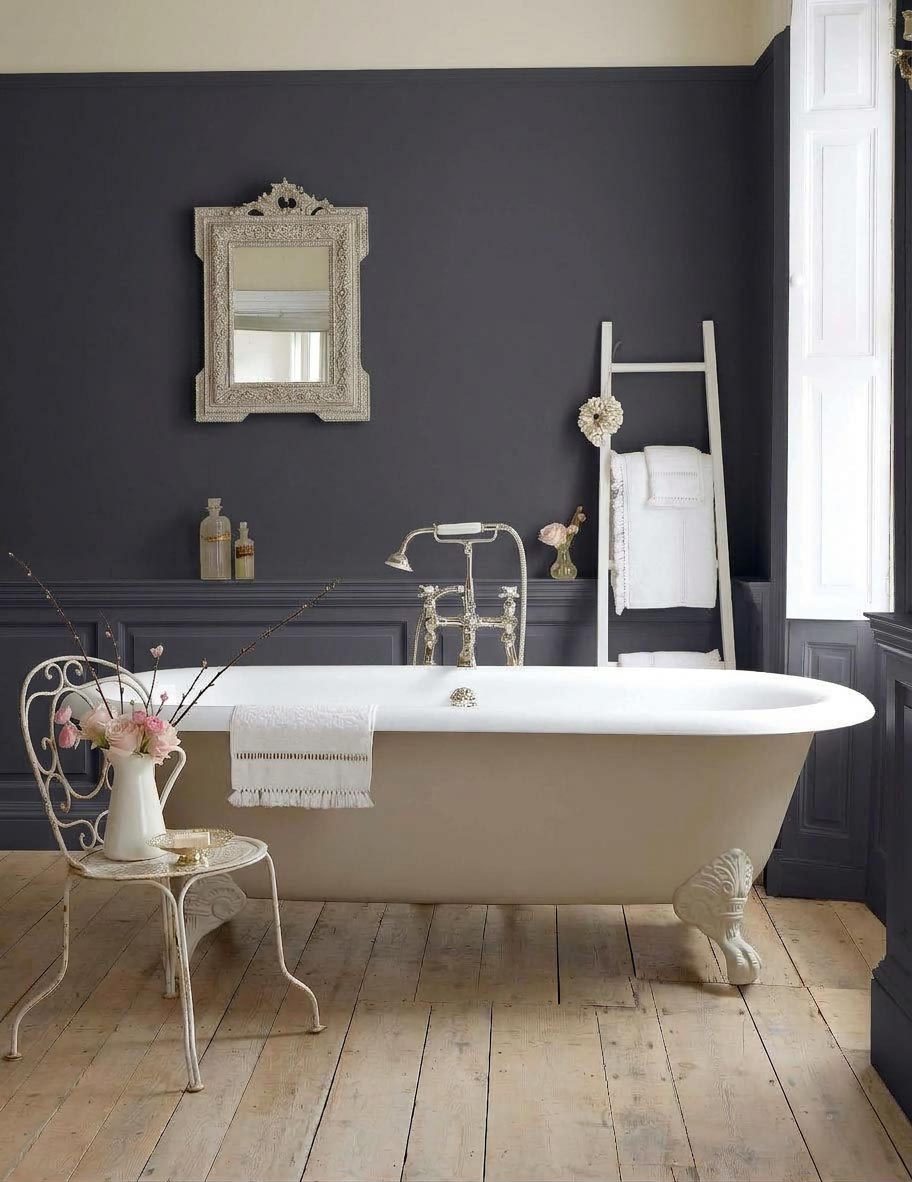
 Before
After
Choose what to visualize with VELVET DUSK.
Visitors upload a photo of their paint project; AI visualizes walls, furniture, kitchens and frames in any colour and finish.
The package
Want a brand-new webshop or our tools integrated into your existing site? We offer an end-to-end solution so you can start without technical hassle. Presenting leading brands professionally online strengthens your store, drives more visitors to your physical shop and delivers extra online revenue. For pricing: get in touch.

Everything in one package
Brands & collections
Each brand package is a complete variable webshop product with every colour, volume and finish for that brand.
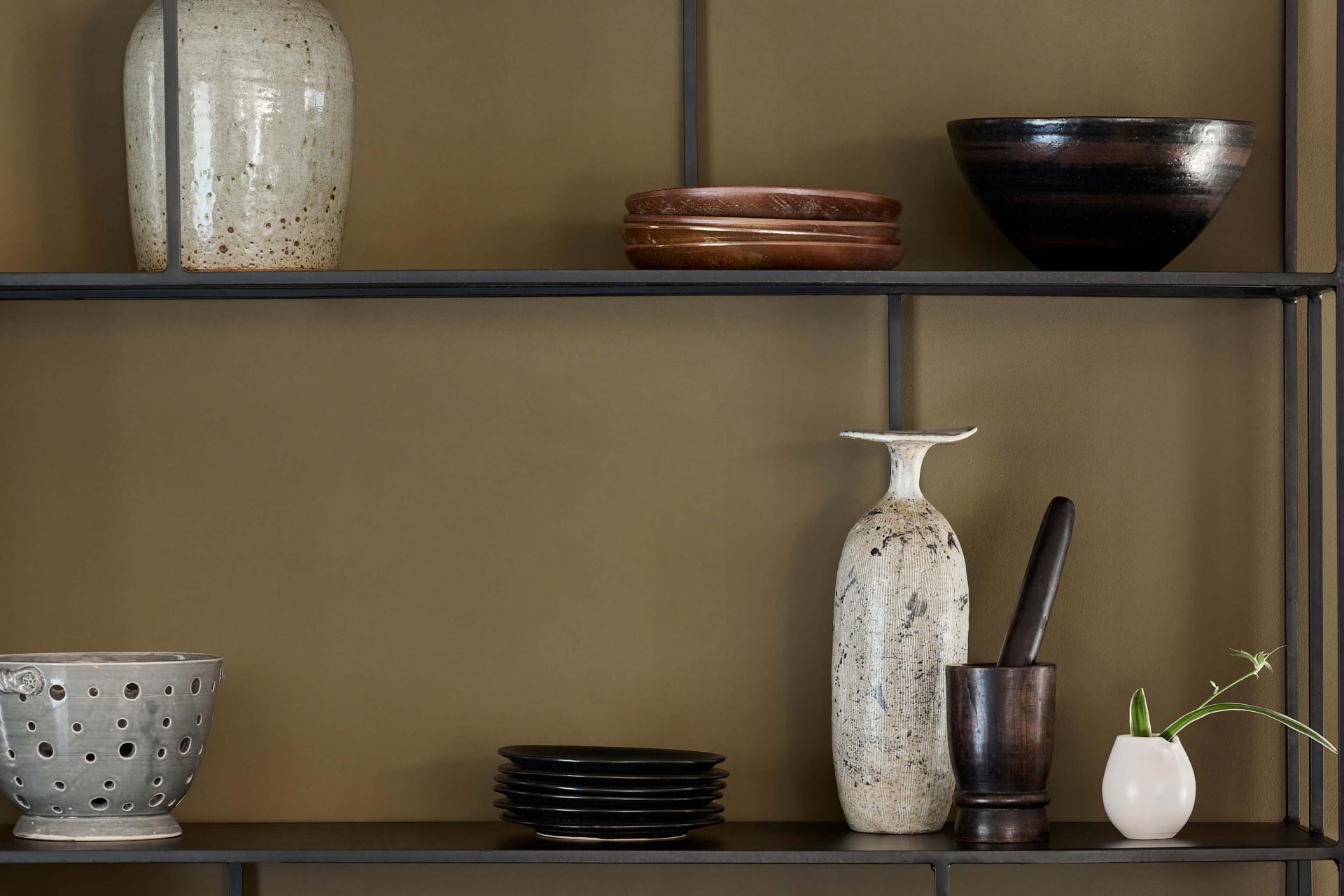

Ready to import into your webshop
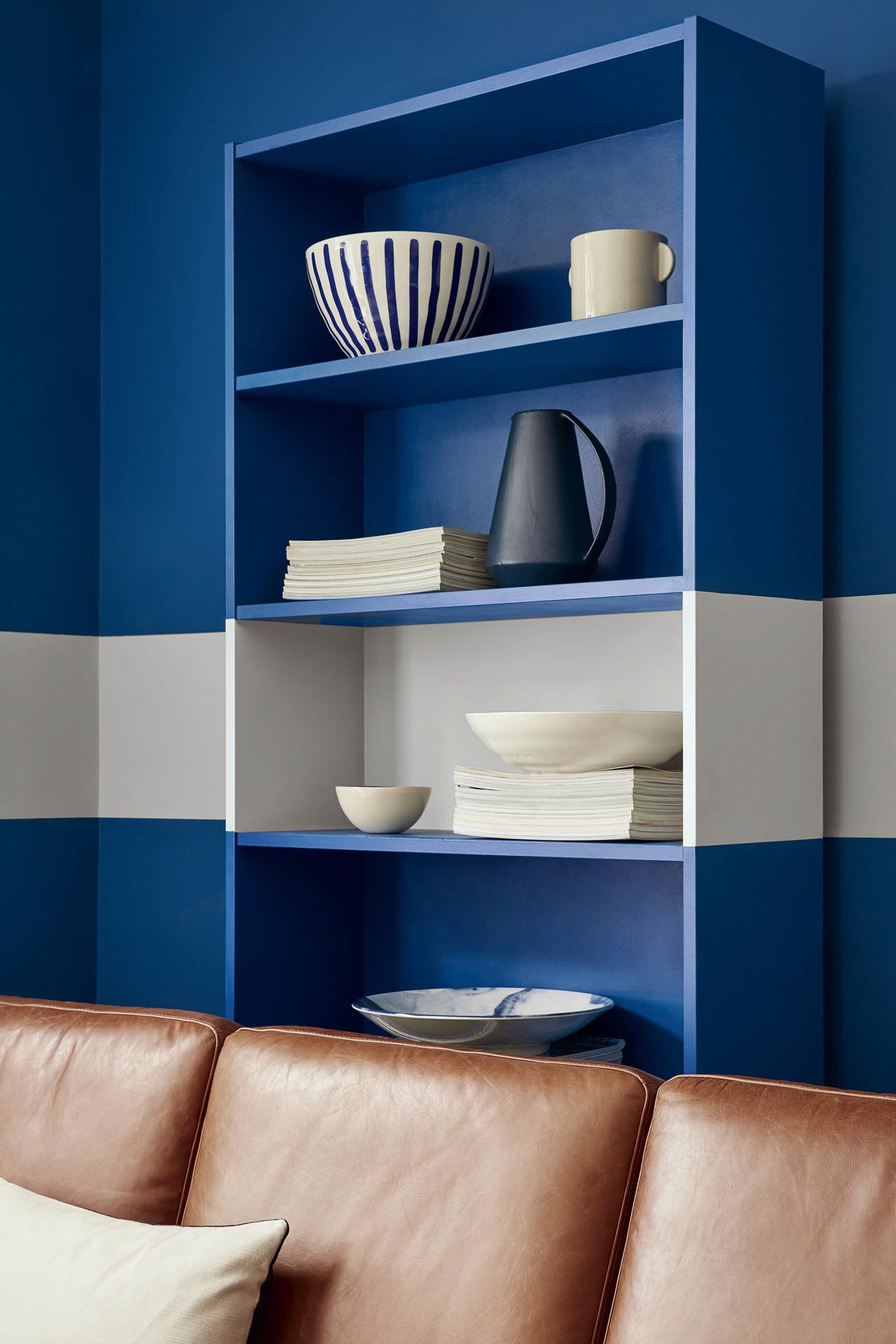

Ready to import into your webshop

Ready to import into your webshop
Colour names, colour values and images remain the property of the respective paint brands. With a brand package you get Colour Atelier’s technology and import system to load that data into your webshop as an official dealer.
Frequently asked questions
For paint dealers and builders: colour finder, Pro and brand packages, variable webshop products, hotspots, implementation and performance.
Colour Atelier is a WordPress plugin and web tool for official paint dealers. Visitors browse your colour catalogue visually, move from room scenes or hotspots to the right WooCommerce product, and get help on product pages with colour, volume (litres) and finish. Pro adds Virtual Painter, automatic room scenes, analytics, brand import and more.
Mainly official paint dealers, specialist shops and webshops selling paint online. Web developers building WooCommerce stores for dealers use Colour Atelier to avoid custom colour modules—the plugin fits variable products, attributes and existing themes.
Yes. It runs as a WordPress plugin alongside WooCommerce. The colour finder, product-page options (swatches, pills, guidance), room scenes and embeddable widgets work with variable products—attributes such as colour, volume and finish. Checkout, stock and your theme stay in charge; Colour Atelier adds the paint-specific layer.
WooCommerce often uses long text dropdowns for variants. Paint is sold as colour × volume × finish—sometimes hundreds of combinations per shade. That is hard to scan and leads to wrong orders and support tickets. Colour Atelier makes colour visual, explains volume and finish (including m² help on Pro), links inspiration images to products and gets visitors to the right variant faster.
On product pages, yes: interactive colour chips or pot images instead of text-only menus. Underlying WooCommerce variations stay the same—stock, prices and orders do not change. Visitors choose visually; you manage attributes and variants as usual in WooCommerce.
Search by name or code, filter by colour family, colour slider, click-through to products, save and share favourites, and (on Pro) smarter discovery via room scenes and branding to match your shop. Core includes search, filters and links to your own WooCommerce catalogue; Pro adds analytics and richer discovery.
Core (free via WordPress.org) covers basics: colour finder, filters and product-page options. Pro (€299/month) adds Virtual Painter, automatic room scenes by filename, smart colour discovery in photos, m² calculator and finish explanations, image hotspots and sliders, analytics, colour-finder styling, brand-pack import and support. Brand packs require an active Pro licence.
Hotspots are clickable points on room scenes or inspiration photos. Click a wall, trim or accent → the visitor opens the matching product or colour variant, not a generic category. That mirrors “that colour on that wall” in a showroom. Hotspots and sliders are Pro features you place via shortcodes or widgets.
With Virtual Painter (Pro), visitors upload a photo and try paint colours on walls, ceilings or kitchens—a online trial before buying. Segmentation uses your own Google Cloud API key; Colour Atelier provides the UI and catalogue links. Core does not include Virtual Painter.
Paint is sold by litre and finish (matte, satin, eggshell, etc.). Colour Atelier shows pills or clear choices instead of cryptic dropdowns. Pro adds finish guidance and an m² calculator: visitors enter wall area (including multiple walls) and get advice on litres needed—less guesswork and leftover paint.
A brand pack (Little Greene, Farrow & Ball, Paint & Paper Library, …) delivers official colour and product data plus matching room scenes through Colour Atelier into WooCommerce. You buy import and linking technology; colour names, values and brand images remain the brand’s property. Brand packs need active Pro and a separate purchase (bundle discount available with Pro).
Brand packs are for dealers authorised to sell that brand online. Colour Atelier provides the technical framework; brand rights and dealer terms stay between you and the manufacturer. Your own colours and products work in Core without a brand pack.
Install Core from wordpress.org or Pro via your licence after purchase. Enable WooCommerce, set up variable products with attributes (colour, volume, finish) and configure in wp-admin: colour-finder page, product-page mode (swatches/finder) and optional widget shortcodes. Test with demo data; check plugin docs for supported PHP and WooCommerce versions.
Yes. Colour Atelier adds templates, styles and scripts for the colour finder, product components and widgets; your theme still controls layout, header and checkout. Colour-finder styling is customisable (Pro). Developers use CSS overrides and hooks where needed without replacing core theme files.
Use WooCommerce variable products: each variant has colour, volume and/or finish. In Colour Atelier you assign colour data—manually, via brand-pack import or (Pro) bulk by filename for room scenes. The colour finder lists correctly linked products and links to live product URLs.
Yes. Pro provides widgets and shortcodes for swatches, sliders and image hotspots on landing pages, blog posts or brand pages—not only product pages. Useful for inspiration campaigns that must click through to sellable variants.
Pro is €299 per month. Brand packs are €399 each (one-off) and require an active Pro licence for use and updates. See pricing on the site.
Little Greene, Farrow & Ball and Paint & Paper Library are available as brand packs; more may follow. Without a brand pack you use your own WooCommerce catalogue with your colour names, HEX/RAL and images—Colour Atelier is brand-agnostic on Core.
Core updates via wordpress.org. Pro and brand packs tie to your account; Pro renewal delivers updates and support. Without active Pro, Pro features and brand-pack updates end per licence terms. Support covers plugin use and setup for dealers and their developers.
Assets load mainly on colour-finder and product pages and where you embed widgets—not on every page by default. Use caching as with any WooCommerce store; optimise images and CDN. Developers can lazy-load heavy galleries where the theme allows.
Next step
Want to see Colour Atelier in action or discuss which package fits your webshop? Get in touch—we’ll schedule a demo and walk through Pro and brand packages with you.